
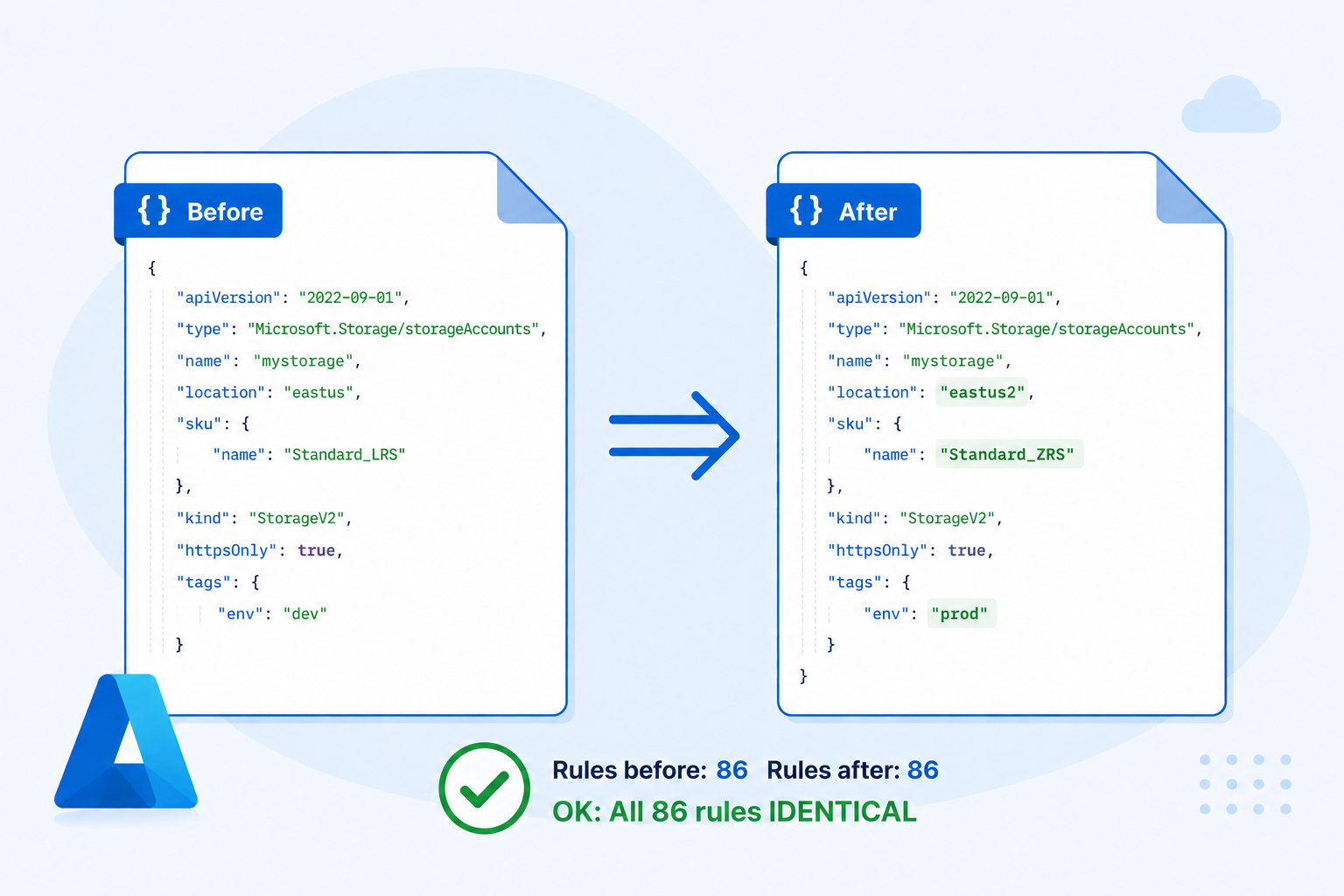
Unit Testing Bicep Refactoring with ARM JSON Diffing
At my client we recently refactored a large Azure Firewall policy: 500+ rules spread across seven rule collections, each in its own Bicep file. The goal was to centralise all IP ranges and address prefixes into a single shared Bicep file and reference them from each collection. Straightforward in intent — but terrifying in practice. One misplaced IP range, one silently dropped address prefix, and a production firewall rule changes without anyone noticing.
Refactoring Infrastructure as Code is risky in general. When you reorganise Bicep files — extracting modules, renaming variables, centralising constants, replacing concat() with string interpolation — there’s no obvious way to verify you haven’t accidentally changed what gets deployed. A wrong move might silently alter a SKU, remove a tag, or change a resource name.
This post describes a technique that gives you the confidence of a “unit test” for Bicep refactoring.
The Core Idea
Bicep is a compiled language. Every .bicep file compiles down to an ARM JSON template, which is the actual contract handed to the Azure Resource Manager. If two Bicep files produce identical ARM JSON, they will deploy identical infrastructure — full stop.
That means you can treat the compiled ARM JSON as a test oracle: compile your template before and after refactoring, diff the outputs, and if the diff is empty, your refactoring is safe.
# Before refactoring
az bicep build --file main.bicep --stdout > before.json

# ... refactor ...

# After refactoring
az bicep build --file main.bicep --stdout > after.json

diff before.json after.json
In theory, this is everything you need. In practice, there’s a problem.
The Problem: Symbolic References
ARM JSON templates don’t inline values directly. Instead, they use runtime expression syntax:
{
  "parameters": {
    "storageAccountName": {
      "type": "string",
      "defaultValue": "iacworkshopssa"
    }
  },
  "resources": [
    {
      "type": "Microsoft.Storage/storageAccounts",
      "name": "[parameters('storageAccountName')]"
    }
  ]
}
The resource name is the expression [parameters('storageAccountName')], not the literal string iacworkshopssa.
This creates a major diffing problem. Suppose your refactoring inlines a variable — changing [variables('storagePrefix')] to the literal value it represented. The underlying infrastructure is identical, but the ARM JSON looks different. Or suppose you rename a parameter: the resolved value is the same, but the symbolic reference changed.
Raw ARM JSON diff is too noisy to be useful as a correctness signal. And in a large template with hundreds of rules, the noise drowns out any real differences completely.
The Real Challenge: Complex Variable Structures
Simple variables('name') substitution is the easy part. Real Bicep templates — especially large ones — produce far more complex ARM JSON.
The $fxv#N Pattern
When Bicep loads a JSON file at compile time (via loadJsonContent()) or defines a large object variable, it compiles it into a synthetic variable name like $fxv#0, $fxv#1, and so on. The original named variable then becomes a reference to that internal name:
"variables": {
  "$fxv#0": {
    "FooBar": {
      "SiteAddressPrefixes": ["10.25.6.4/32", "10.101.0.0/24", "..."],
      "SqlServers": {
        "Foo": { "IPAddress": "10.101.0.61" },
        "Bar": { "IPAddress": "10.101.0.132" }
      }
    },
    "BarFoo": {
      "SiteAddressPrefixes": ["10.1.0.0/16", "..."]
    }
  },
  "varDatacenters": "[variables('$fxv#0')]"
}
Resources then reference values deep inside these objects using dotted and bracket notation:
"destinationAddresses": "[variables('varDatacenters').FooBar.SiteAddressPrefixes]",
"destinationIpGroups":  "[format('{0}/32', variables('varDatacenters').FooBar.SqlServers['Bar'].IPAddress)]"
Resolving these correctly requires following the alias (varDatacenters → $fxv#0), then traversing the object hierarchy, supporting both dot notation and string-keyed bracket notation.
Higher-Order Functions
Bicep’s languageVersion: 2.0 introduces higher-order array functions. In compiled ARM JSON these appear as map() with lambda() and lambdaVariables():
"varSubnets": "[map(variables('varAzure').ConnectionMonitors, lambda('cmon', lambdaVariables('cmon').NetworkAddressPrefix))]"
This maps over an array of connection monitor objects and extracts the NetworkAddressPrefix from each. A resolver that only handles simple substitution will leave this entire expression unresolved.
Partial Resolution
Some expressions mix resolvable and runtime-only parts:
"[format('{0}.blob.{1}', variables('varStorageNames').test.transitStorage, environment().suffixes.storage)]"
environment().suffixes.storage is a runtime-only ARM function — it only evaluates during actual deployment. But the first argument is fully resolvable. A good resolver substitutes what it can, leaving only the truly dynamic parts intact:
"[format('{0}.blob.{1}', 'nobainfraadftestsa', environment().suffixes.storage)]"
Both versions of a refactored template will have this same partially-resolved form, so the diff stays clean.
The Solution: A Proper Resolver
The fix is to pre-process the ARM JSON by substituting all statically-knowable references with their actual values before running the diff. Once resolved, two templates that produce identical infrastructure will produce identical text.
The resolution algorithm:
- Extract parameters — for each parameter, use its
defaultValueas the resolved value (or a stable placeholder like<paramName>for parameters supplied at deploy time). - Resolve variables iteratively — resolve each variable’s value, running multiple passes until stable, to handle variables that reference other variables (including
$fxv#Naliases). - Walk
resourcesandoutputs— replace every reference with the resolved value, supporting:- Simple
[variables('x')]and[parameters('x')] - Deep path traversal:
[variables('x').prop['key'][0].nested] createArray(...)→ array literalconcat(...)— string join or array concatenationunion(...)— deduplicated array mergeformat('{0}-{1}', ...)— positional string formattingmap(array, lambda('v', lambdaVariables('v').prop))— array projection
- Simple
- Partial resolution fallback — for expressions where only some arguments are resolvable, substitute the known values inline and leave the rest as-is.
Expressions that can’t be resolved at compile time — [resourceGroup().location], [utcNow()], [environment().suffixes.storage] — are left as-is. Both versions of your template will leave the same unresolvable expressions untouched, so the diff remains clean.
The Workflow
# 1. Capture the baseline before refactoring. Typically from your stable main branch
az bicep build --file main.bicep --stdout | python3 resolve_arm.py - > before_resolved.json

# 2. Refactor your Bicep code

# 3. Capture the result after refactoring. Typically from your refactoring branch
az bicep build --file main.bicep --stdout | python3 resolve_arm.py - > after_resolved.json

# 4. Compare
diff before_resolved.json after_resolved.json
An empty diff means your refactoring is provably safe. Any diff line is a real semantic difference — something that would actually change in the deployed infrastructure.
This is exactly what a unit test gives you: a binary pass/fail signal for “did this change alter the observable behaviour?”
A Real Example
Here’s a fragment from the actual Azure Firewall refactoring. Before centralisation, an individual rule collection file contained a hardcoded list of VPN client address prefixes. After centralisation, the same rule references a shared variable:
ARM JSON after refactoring (before resolution):
{
  "variables": {
    "$fxv#1": {
      "VpnClientAddresses": [
        "10.11.42.0/20",
        "10.9.11.161/27"
      ]
    },
    "varAzure": "[variables('$fxv#1')]"
  },
  "resources": [{
    "sourceAddresses": "[concat(variables('varAzure').VpnClientAddresses, createArray('10.5.22.0/23'))]"
  }]
}
After running the resolver:
{
  "variables": {
    "$fxv#1": {
      "VpnClientAddresses": [
        "10.11.42.0/20",
        "10.9.11.161/27"
      ]
    },
    "varAzure": "[variables('$fxv#1')]"
  },
  "resources": [{
    "sourceAddresses": [
      "10.11.42.0/20",
      "10.9.11.161/27",
      "10.5.22.0/23"
    ]
  }]
}
The resolver followed the chain varAzure → $fxv#1, extracted .VpnClientAddresses, evaluated createArray('10.4.28.0/23') to a single-element array, and concatenated both into the final list.
Now compare this against the pre-refactoring version where the same addresses were hardcoded. If the lists match, the diff is empty and the refactoring is verified safe. If an address was accidentally dropped or reordered in the wrong way, the diff will flag it precisely.
What This Technique Covers
This approach catches a wide class of refactoring mistakes:
- Resource name changes — the most dangerous kind, since renaming a deployed resource can cause deletion and recreation
- Property value changes — SKU, location, tier, capacity
- IP range and address changes — critical for firewall rules and network policies
- Tag changes — commonly broken by refactoring helper variables
- DependsOn changes — altered deployment ordering
- Output changes — values exposed to other templates or scripts
What It Doesn’t Cover
Be aware of the boundaries:
- Runtime expressions —
[resourceGroup().location],[subscription().id],[utcNow()]and similar remain unresolved. If your refactoring changes how these are used structurally, the diff will catch it; but it can’t validate that the runtime value will be the same. - Parameters without default values — parameters that are always supplied at deploy time get a stable
<paramName>placeholder. The diff will still work correctly as long as both versions use the same parameter name. - Conditional resources —
ifconditions that depend on parameter values need the full range of parameter values to be fully tested. The resolved diff covers the default-value case. - Module boundaries — if you split a monolithic Bicep file into modules, the compiled ARM JSON may change structure (nested deployments appear). In that case, compare the fully expanded ARM output rather than individual files.
- Actual deployment behaviour — this technique validates the template, not the Azure control plane. It won’t catch RBAC issues, quota limits, or API version deprecations.
The Loop Refactoring Exception
There is one class of refactoring this technique cannot help with: replacing repeated, hand-written resources or properties with a Bicep for loop.
When you write the same resource (or the same block of properties) several times and then consolidate it into a loop, the compiled ARM JSON changes structure completely. Bicep’s for loop compiles to an ARM copy block, which looks nothing like the original repeated declarations — even though the deployed infrastructure is identical.
Before — three rules written out individually:
var rules = [
  { name: 'allow-http',  port: 80  }
  { name: 'allow-https', port: 443 }
  { name: 'allow-ssh',   port: 22  }
]

// ... rule1, rule2, rule3 declared separately
Compiled ARM JSON: three separate objects in the rules array, each fully expanded with literal values.
After — one for loop over the array:
var rules = [ ... ]  // same array

resource ruleCollection '....' = {
  properties: {
    rules: [for rule in rules: {
      name: rule.name
      destinationPorts: [string(rule.port)]
    }]
  }
}
Compiled ARM JSON: a single entry using copy with copyIndex() expressions:
{
  "name": "[variables('rules')[copyIndex()].name]",
  "destinationPorts": ["[string(variables('rules')[copyIndex()].port)]"]
}
The resolver can evaluate the variables('rules') reference, but copyIndex() is a runtime ARM function that only has meaning during the copy loop execution — it produces a different result for each iteration and cannot be statically resolved. The resulting diff between the before and after versions will be large and structurally different, even though the two templates deploy the same resources.
What to do instead:
For this type of refactoring, verify correctness by doing a test deployment and comparing what Azure actually deployed — for example by exporting the resource group as ARM JSON before and after, or by using az deployment what-if to inspect the planned changes. The compile-and-diff technique works well as a complementary check after you have verified that the loop produces the correct values, to ensure no further changes slip in.
Complementary Step: What-If Deployment
The ARM JSON diff technique is fast and runs entirely offline — no Azure connection required. But it is a static analysis: it reasons about the template text, not about what Azure would actually do with it. A dry-run deployment with az deployment what-if fills that gap and should be part of every refactoring verification process.
az deployment group what-if \
  --resource-group <your-rg> \
  --template-file main.bicep \
  --parameters @main.parameters.json
what-if sends the compiled template to the Azure Resource Manager, which evaluates it against the current state of your subscription and returns a detailed plan of every change it would make — resources to create, modify, or delete, and for each modified resource, exactly which properties would change and to what values.
How the Two Techniques Complement Each Other
| ARM JSON diff | what-if |
|
|---|---|---|
| Requires Azure connection | No | Yes |
| Catches symbolic renames | ✓ | ✓ |
| Catches value changes | ✓ | ✓ |
Handles for loop refactoring |
✗ | ✓ |
| Shows runtime-evaluated values | ✗ | ✓ |
| Works without a deployed environment | ✓ | ✗ |
| Speed | Instant | Seconds–minutes-hours |
The right approach is to use both:
- ARM JSON diff first — instant, no infrastructure required, catches the vast majority of accidental changes introduced by variable and parameter refactoring. Run this continuously as you refactor.
what-ifbefore merging — confirms that Azure’s view of the change is also a no-op, covers the cases the static diff cannot (loops, runtime expressions, module boundary changes), and gives you an auditable record of intent.
If both signal no change, you can merge with confidence. If what-if shows changes that the diff missed, you’ve found a gap in the static analysis — and avoided an unintended deployment.
The Scripts
Both resolver scripts were generated by GitHub Copilot as we worked through the refactoring tasks, evolving iteratively as new variable patterns appeared in the templates. They were built specifically for Azure Firewall Rules refactoring context — not as general-purpose tools. We are sharing them as an illustration of the approach, not as something you should drop into your own codebase and rely on. Your templates may have different variable structures, different ARM functions, and different edge cases, and the scripts will need to evolve accordingly.
- Python —
resolve_arm.py - PowerShell —
Resolve-ArmVariables.ps1
If you adapt them for your own templates, expect to extend the expression evaluator as you encounter ARM functions or variable patterns not present in our codebase.
Closing Thoughts
The “unit test” framing is intentional. This technique doesn’t test that your infrastructure does what you want — that’s “integration” testing, done by actually deploying. What it tests is the much narrower claim: this refactoring didn’t change anything. That’s exactly the guarantee you need when the goal is purely structural cleanup.
Bicep’s compile step turns that claim into a precise, automatable assertion. The resolver eliminates the noise from symbolic references so the diff reflects real semantic differences, not just different ways of writing the same thing. Together, they give you a lightweight but rigorous safety net for refactoring IaC at scale.
Finally, a wish: it would be great to see the Bicep/ARM team build this capability directly into the toolchain — something like az bicep build --inline-variables --inline-parameters that emits a fully resolved ARM template with all statically-knowable references substituted. That would make the technique available to everyone without any custom scripting.
With that - thanks for reading!